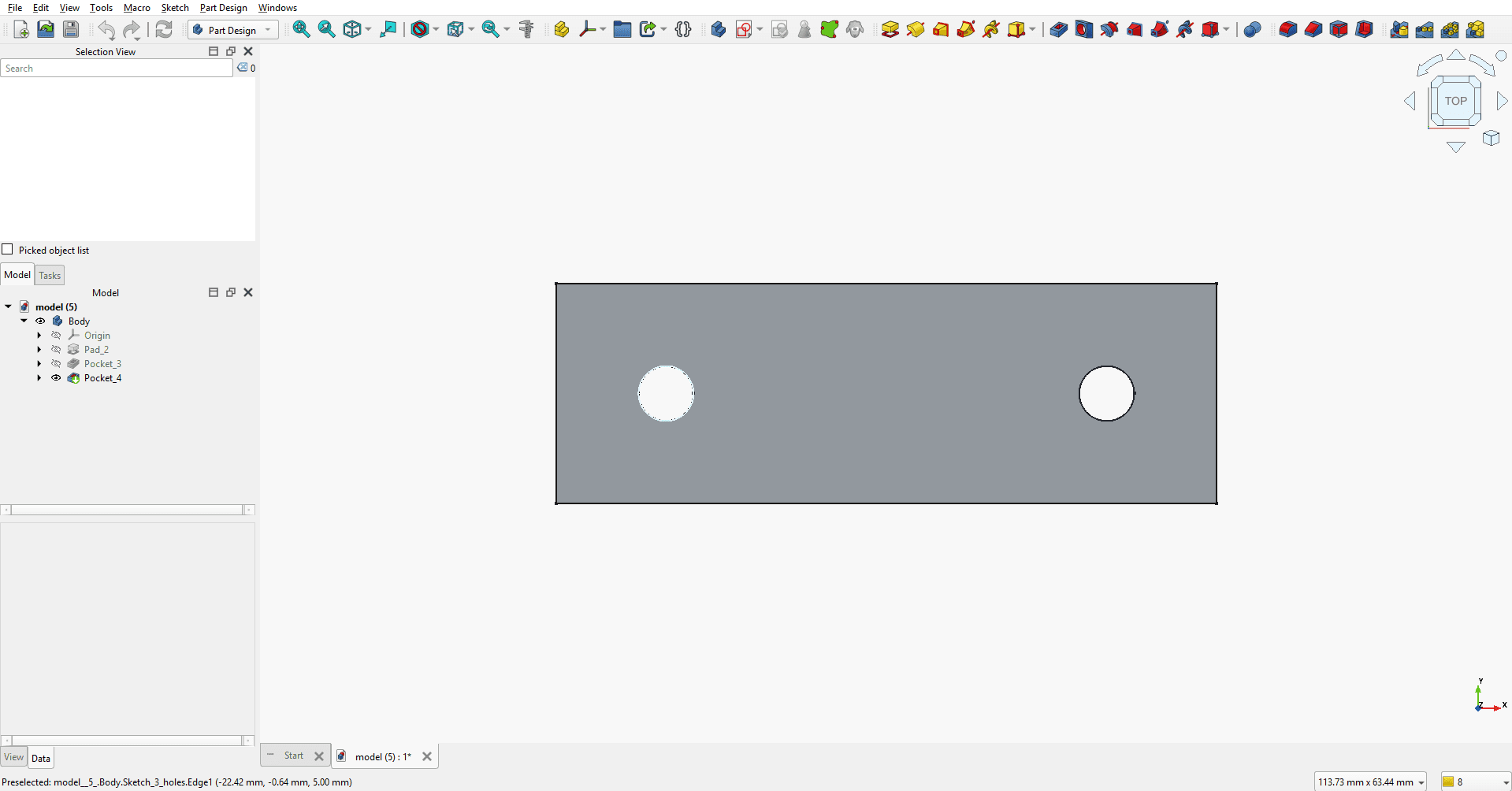
Sensor mounting bracket
A simple flat bracket with two bolt holes, generated with a real Sketch -> Pad -> Pocket tree in FreeCAD, editable after download.
A mounting bracket with two bolt holes, 60mm wide, for attaching a sensor to a flat panel
Each part below was generated from the prompt shown, with no manual cleanup. Every screenshot is the actual FreeCAD feature tree after opening the downloaded .FCStd file not a render, not a mockup.
A simple flat bracket with two bolt holes, generated with a real Sketch -> Pad -> Pocket tree in FreeCAD, editable after download.
A mounting bracket with two bolt holes, 60mm wide, for attaching a sensor to a flat panel
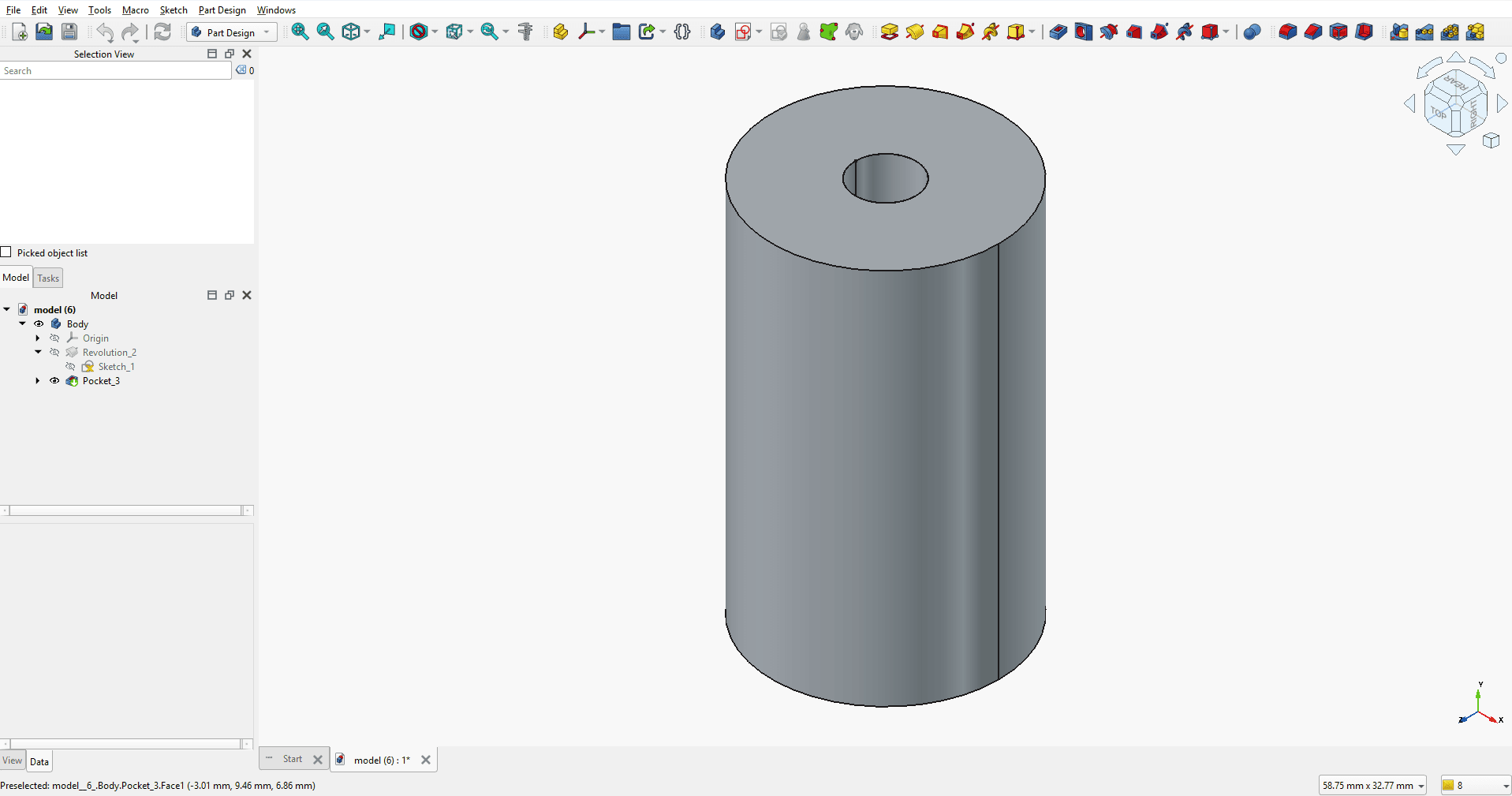
A pad-and-pocket standoff part, the kind of small maker part that usually gets modeled by hand in seconds -- here generated with the same editable structure.
A cylindrical standoff, 15mm diameter, 25mm tall, with a 4mm through-hole for a screw
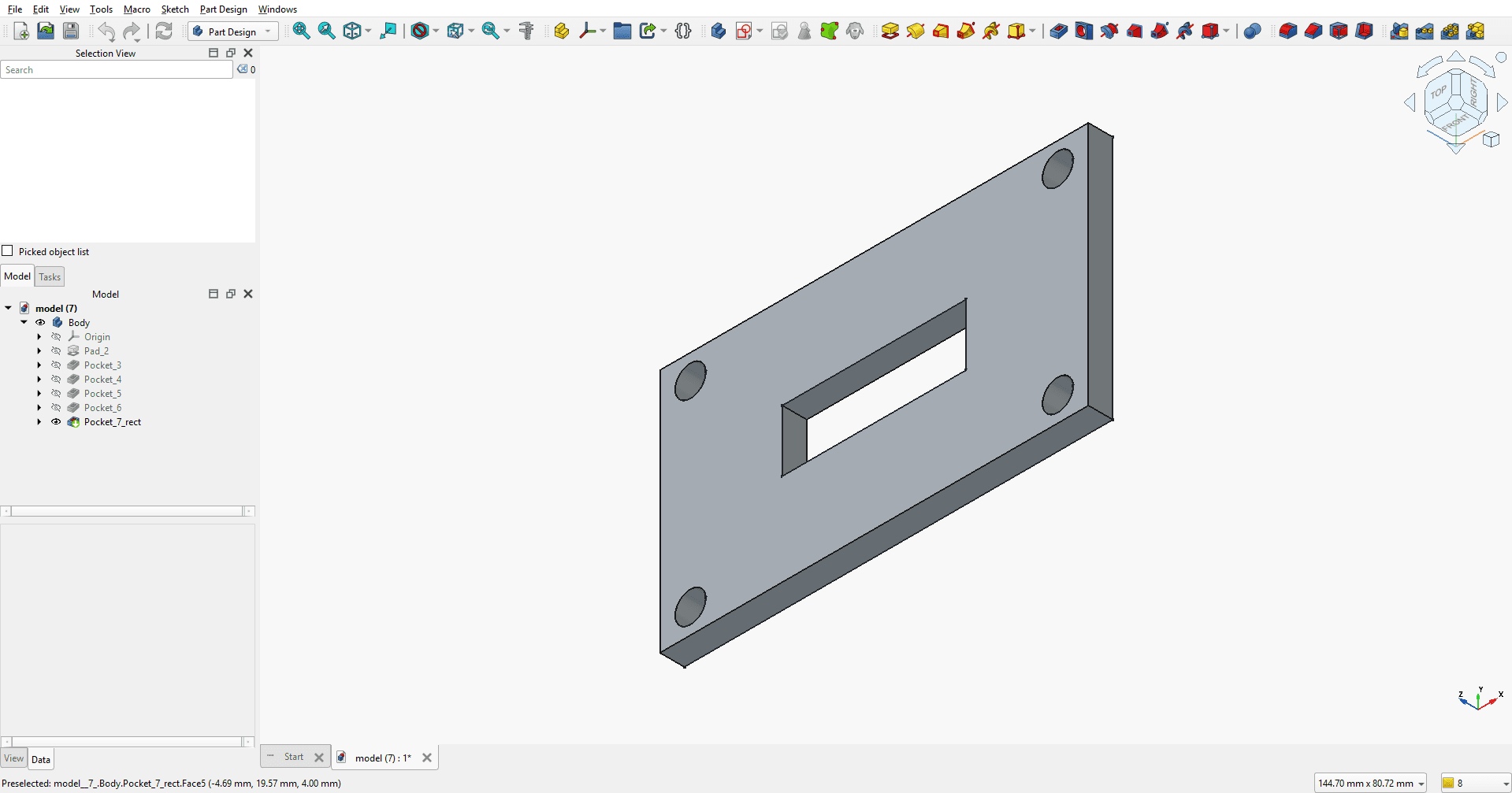
A flat plate with multiple pocket features (corner holes and a center slot), showing how each feature stays independently editable on the tree.
A flat mounting plate, 70mm x 40mm, 4mm thick, with four corner bolt holes and a center cutout slot
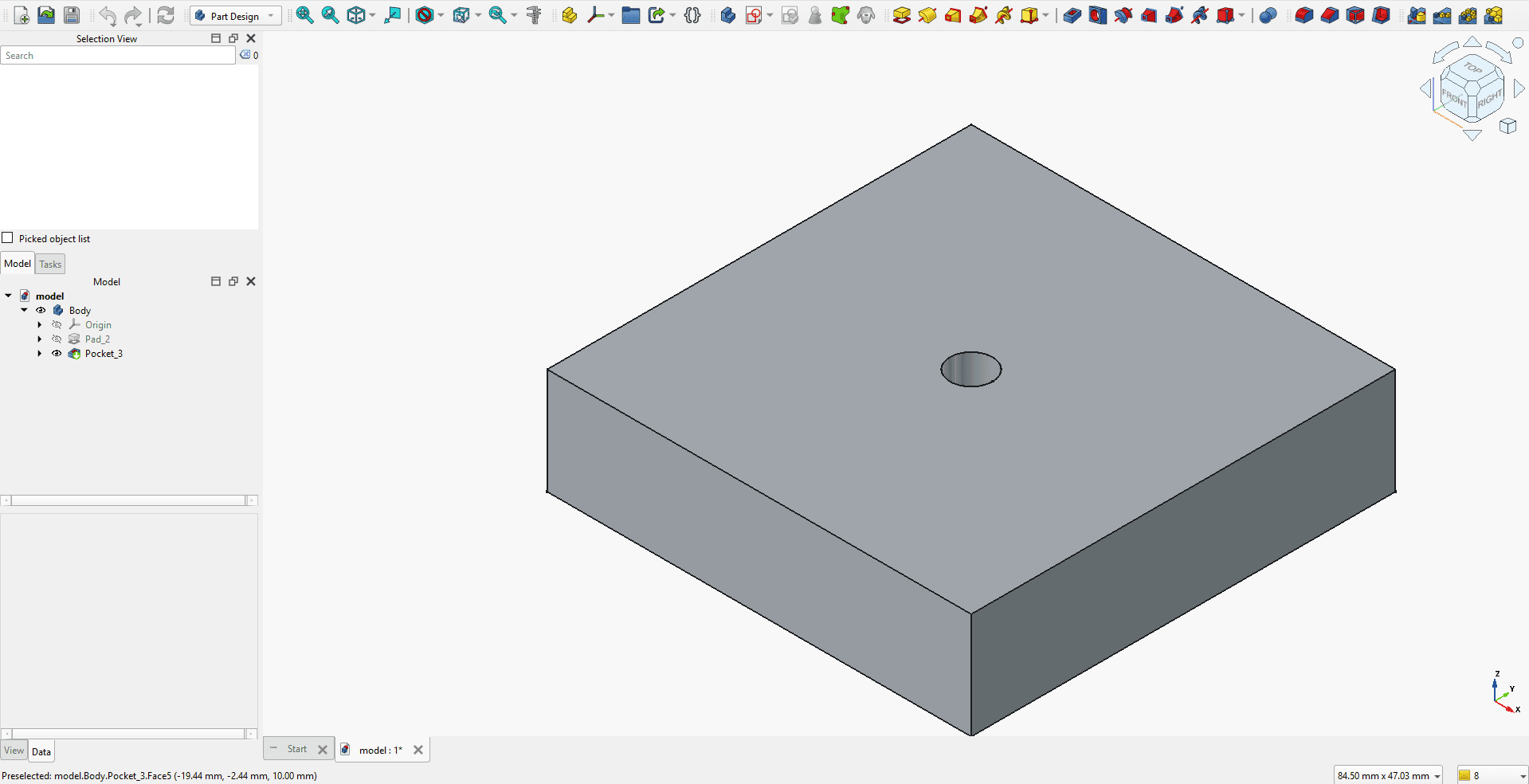
A minimal block-and-hole part -- useful as the simplest possible example of the sketch-pad-pocket pattern ChaordCAD generates.
A rectangular spacer block, 40mm x 40mm x 10mm, with a single center through-hole for an M4 bolt
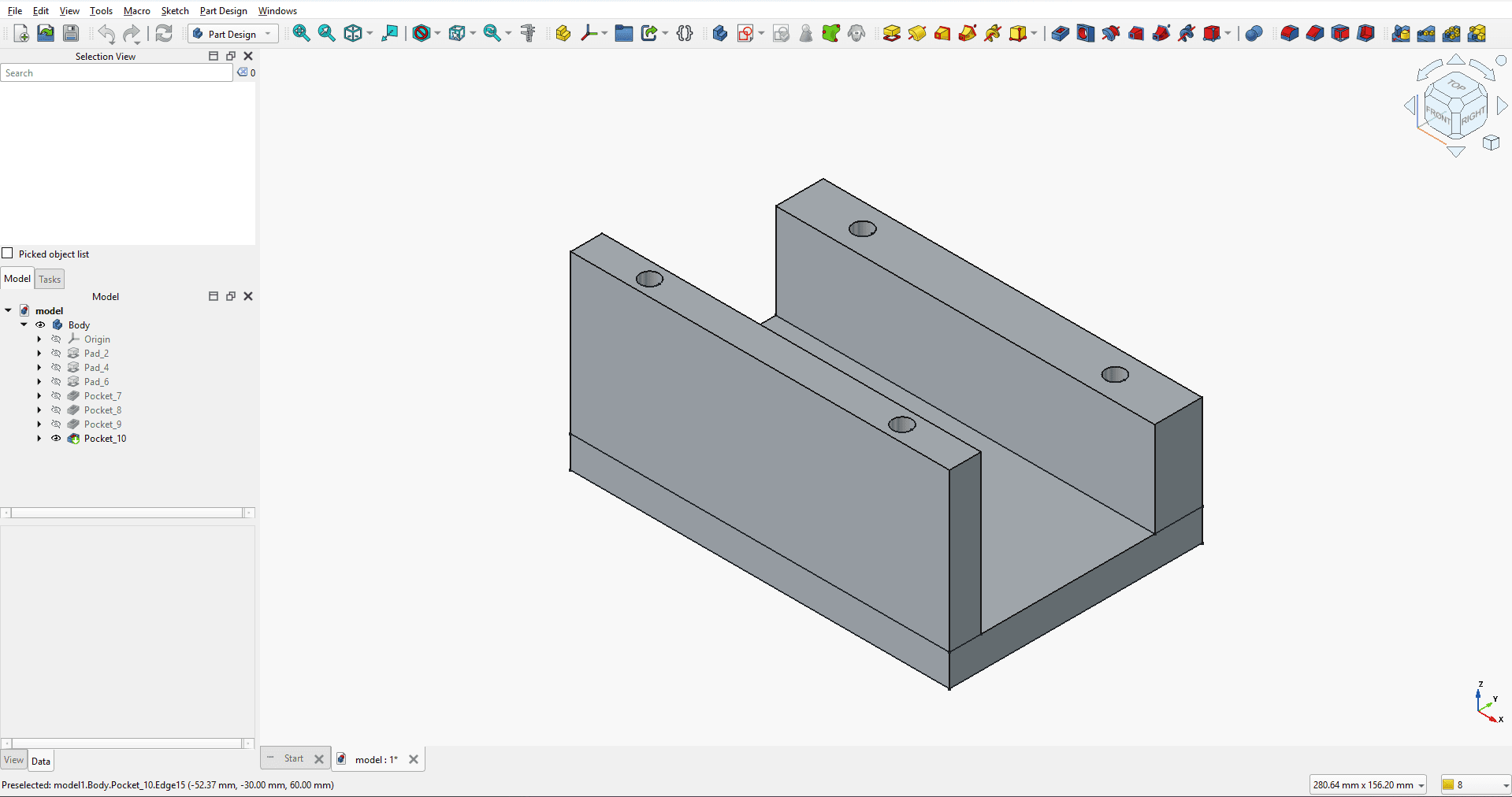
A more complex multi-flange bracket with asymmetric heights and thicknesses -- demonstrates the generator handling a longer, multi-constraint prompt with several linked features.
Create a mounting bracket for a motor. Base plate 120x80x10 mm. Two vertical flanges on longer edges, one 50 mm high with 10 mm thickness and other 30 mm high and 15 mm thickness. 2 holes (6 mm) on each top face of each flange.
No signup. Rate-limited during beta.